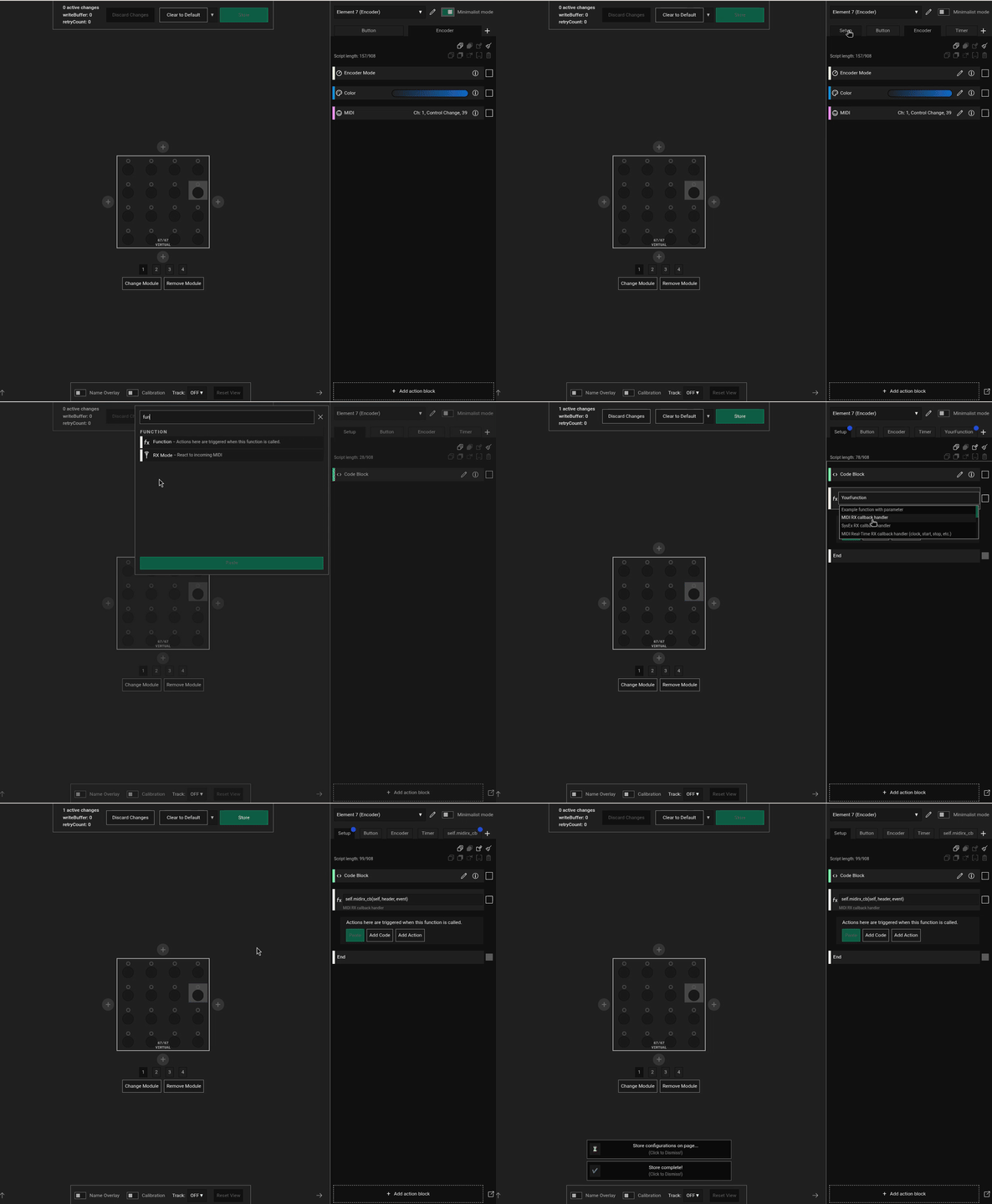
hello all,
but I have a question to anyone that could help..
I am trying to send midi cc to EN16 (so that I can animate the led)
I an using midirx_cb() and, to simplify things, lets say I use this debuggging code:
self.midirx_cb = function(self, header, event)
print(“midi received !”)
but I have this problem:
as soon as I commit the code it works just fine,
but as soon as I store it to the EN16, it stops working.
if the code is placed in the button or encoder tab it starts working again as soon as i press/turn the appropriate button/encoder. (if I place it in the system tab, it only re-funcions if I re-commit the code).
so it is some kind of initialisation issue?
is there some kind of message to make start listening to midi right away without having to move a control???
please advise!!
but unfortunately the callback does not work on my en16
it works as soon as I make it print something,
but as soon as I store it does not respond to midi messages anymore..
any ideas? maybe sonething funny with my
I just noticed,
as soon as I store to the EN16, if I look into a codeblock, the console says something like:
[0,0] LUA not OK! MSG: #stdoFull#stdoFull#stdoFull#stdoFull#stdoFull#stdoFull#stdoFull#stdoFull#stdoFull
Ah, I do see that error message as well. Not sure why it happens, will create an issue for it.
However after testing, the callback does work for me, just testing it with Bitwig quickly. Messages are received properly on the Grid side and it sets values properly as well. I just tested it quickly with the Universal MIDIRX code snippet you can find here: grid-editor://?config-link=EvREHVYwDTDrl0aaVF1N , altho I wouldn’t use it as a final solution, it works okay for just testing.
thanks narayb..
so:
it seems the midirx_cb in the setup stops functioning if I have checked [Sync LED Intensity] in the encoder’s midi codebox…!
as soon as its unchecked the midirx_cb receives midi again..
is this the expected behaviour? can there be only one block receiving midi?
and if yes, how do I sync led intensity to MIDI again? with some code in the setup inside the midirx_cb?
tried to load the snippet, will not let me drag it anywhere.. what am i doing wrong? there is no system setup as it says in the text of the snippet, right? ( sorry never tried to load a snippet before..! )
So if you’re already using the buttons within the MIDI Block, that’s basically a midirx_cb in itself. So what you did is essentially creating a midirx_cb on Setup, then you overwrite it on the encoder itself by using the Sync LED option.
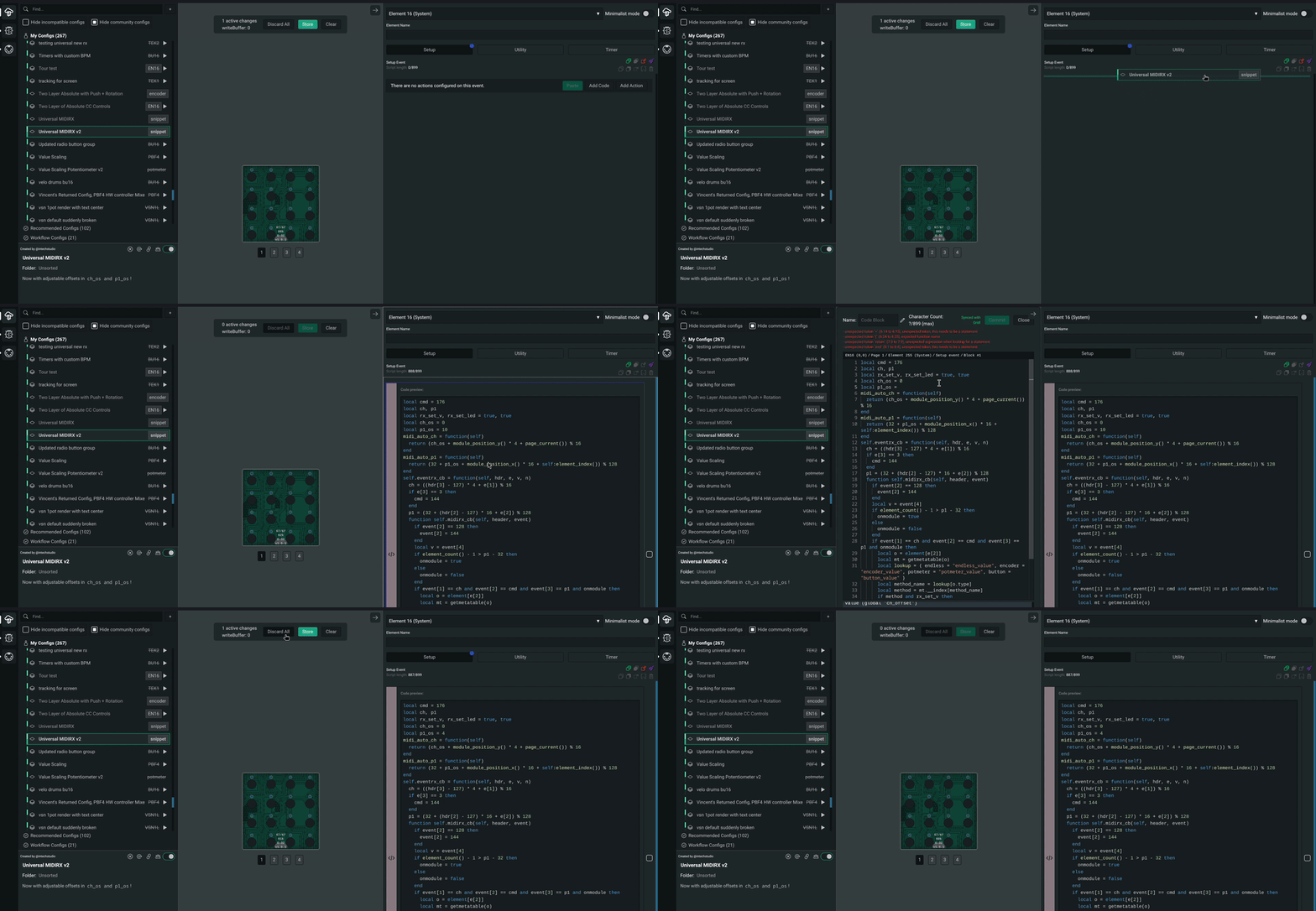
The snippet you will have to drag into the blocks window like this (ignore the later parts of this GIF):
hey narayb!
i got the snippet loaded (!), and it’s receiving midi and updating the led on incoming cc.
I will study the code to understand how it works. will get back if i get stuck.
thanks