As a way of learning and exploring possibilities I’m digging on the available workflows.
I got to the scaled keyboard workflow for the BU16.
As far as I can see this workflow doesn’t have any actions destined to change to a different page.
Is that correct?
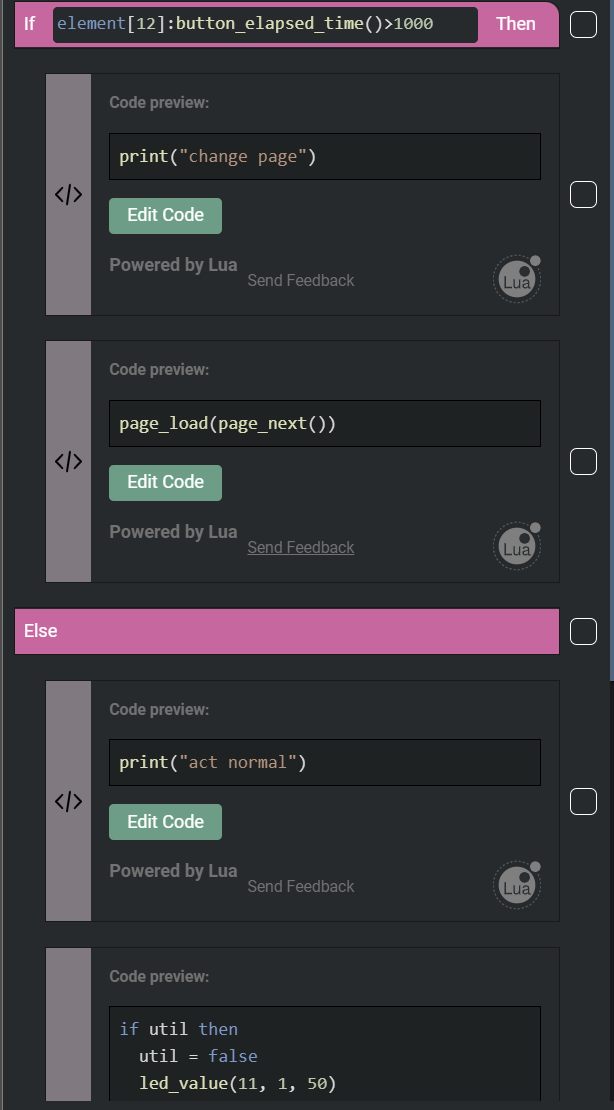
Is it possible to assign button combos to actions? Can the utility button be used in combos? My intuition tells me that storing the button state in global variables and then checking for a combined state might do the trig but I wonder if there are not simpler more direct ways of accessing the state of one element/button from another one and act accordingly.
Thanks in advance and sorry if the questions are too basic.
Cheers.