I have not had my VSN1 controller connected for the last 2 weeks. This was in an attempt to troubleshoot problems I was having with my DAW (Ableton 12.2) frequently hanging, and/or not exiting properly with leftover background processes (Live Suite).
These problems had started when I first started using the Intech Controller, so I removed it from my set-up to see if it helped. It did and I did not have the hanging problems since then. I also upgraded to Ableton 12.3 about the same time, so this might also have impacted things.
So today I reconnected my VSN1 controller to see if the behaviour returned. On launching Grid Editor, I got the above screenshot error. I will continue to test for any other effects, but wanted to post this in the meantime. Will report back on other errors or issues.
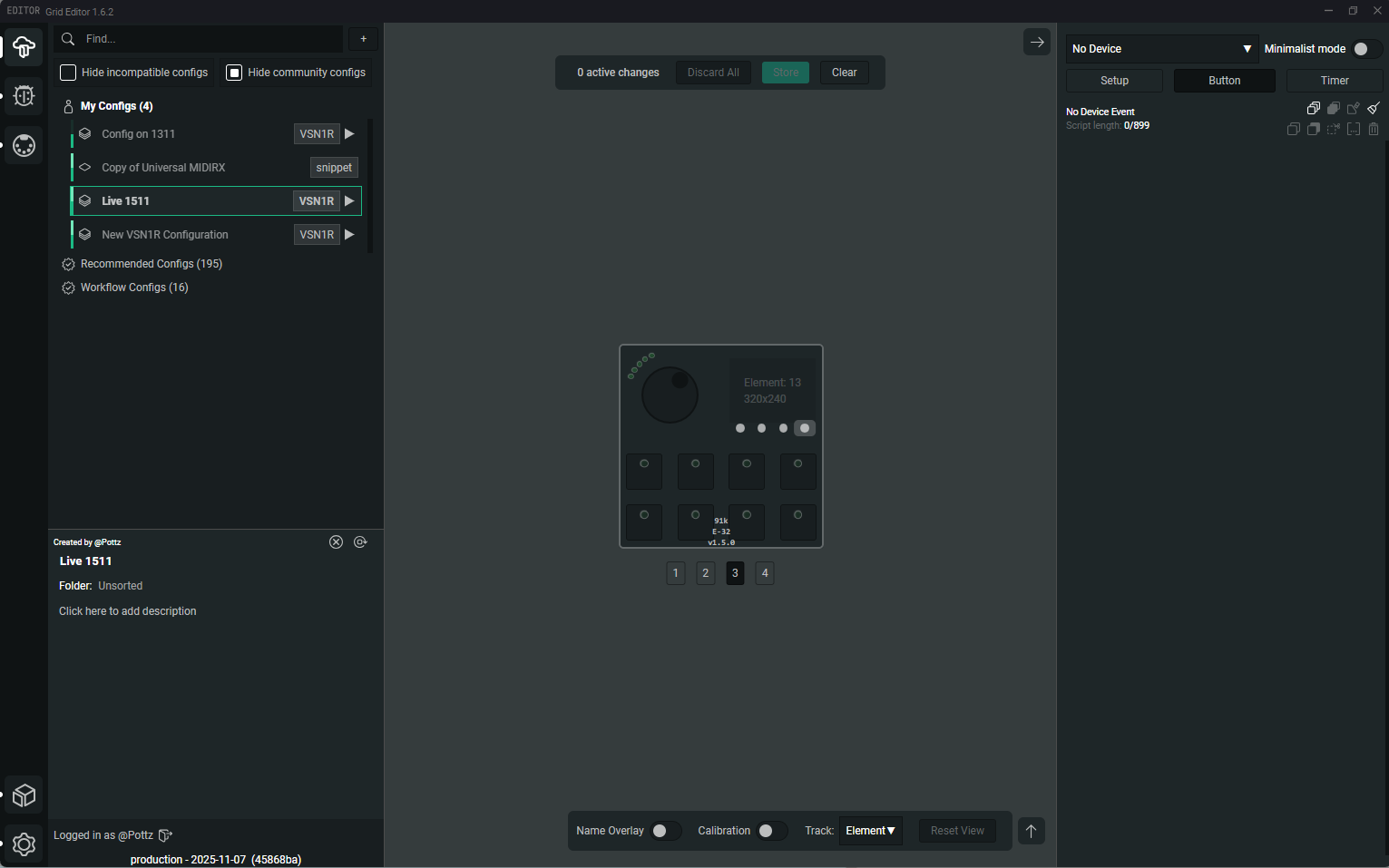
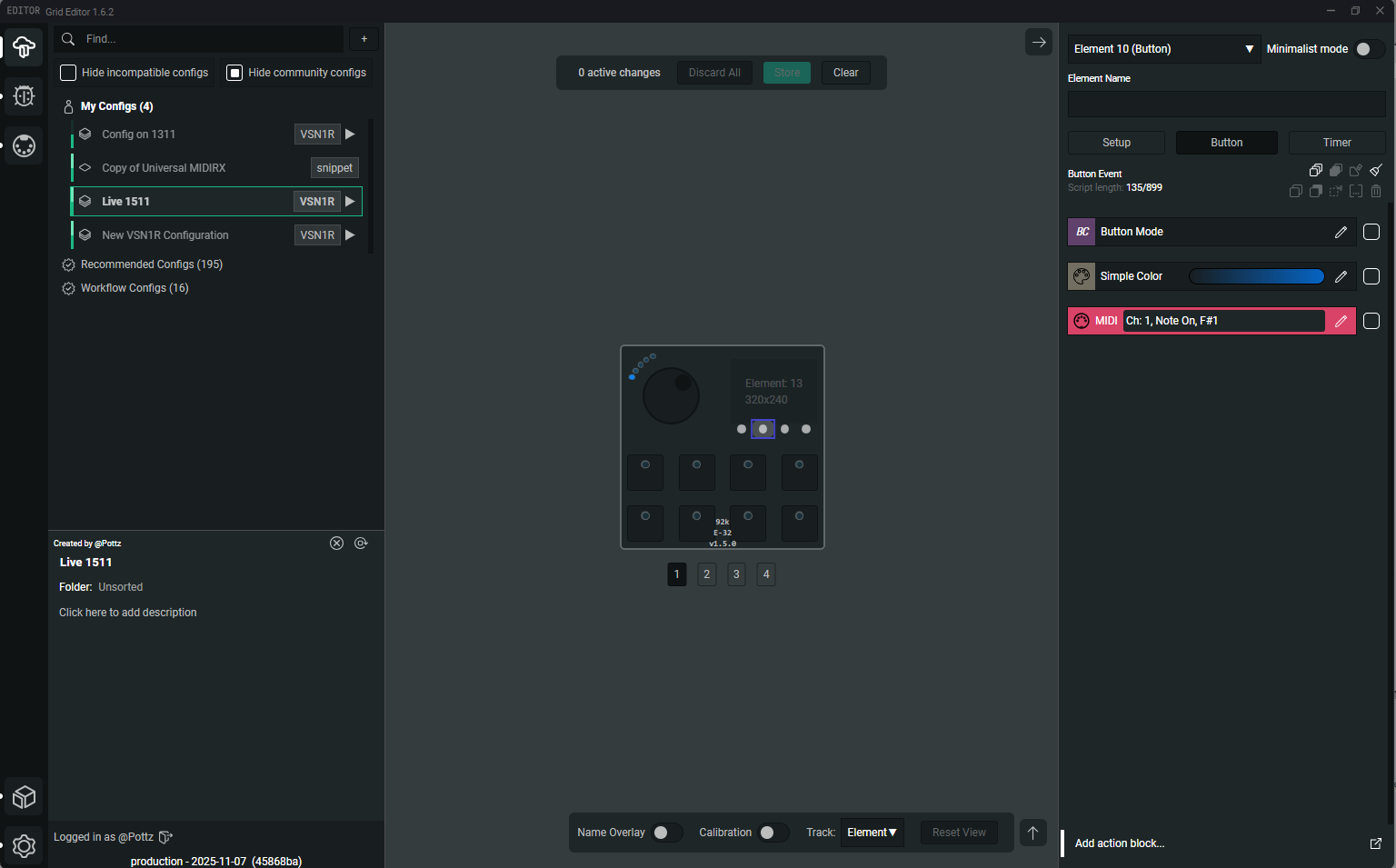
Ok - still having problems of a different type. I have upgraded to 1.6.2 and updated firmware. When then accessing the controller, it starts off as detected, then after pressing particular buttons, it comes up as “No device”
The code blocks I added to Buttons 9-12 are page_load(1)…page_load(4) respectively. These seem to work…kinda (I’m frequently not having it respond to the page change). And then after a certain number of presses, when I press the Button 12 (page_load(4)), it changes from detecting the controller to “no device”
The before “no-device” and after screen shots are provided below:
Please help, this is very erratic behaviour and a little worrying with me having only just reconnected the controller to see if I can get it integrated into my Live set-up.